Digital skills to support learning
Teams support
At Grangemouth High School we are using Teams within classes, for home learning and to assign homework to pupils.
All pupils should already be linked into their various class teams.
Any problems please let me know gw09dundaspauline@glow.sch.uk and I will get this organised for you.

Miss Dundas YouTube
Digital skills are important in todays work places and can also be a valuable tool to help you learn.
Here is the link to my YouTube page for support in using technology and relevant videos to support your learning.
 |
Miss Dundas |
| YouTube Channel |
Accessing Glow and Teams

PowerPoints
Below are some PowerPoints to support your learning at home and in school

|
Strong Passwords | [pptx 1MB] |

|
|
|
Audio recording SfL.pptx AUDIO | [pptx 12MB] |
|

|
Dictate Tool.pptx Audio | [mp4 46MB] |
|

Buncee
A creation and presentation tool for students and educators to create interactive classroom content, allowing learners of all ages to visualize concepts and communicate creatively.
https://app.edu.buncee.com/
Use your login from your jotter to gain access.
ThingLink
Seamlessly make your images, videos, and 360 content interactive with text, links
https://www.thinglink.com/user/1330159246817361921

Book Creator
Book Creator is one of the few apps on Chrome that allows for text, images, audio and video to be added to a page, all from one simple menu. Just press + What's more, you can add shapes, comic templates, stickers and emojis. If you can't find what you need, use the built-in Google Image Search.
https://app.bookcreator.com/books
Use the login from your jotter to gain access.
Microsoft Teams
Microsoft Teams is a digital hub that brings conversations, content, assignments, and apps together in one place, letting educators create vibrant learning environments. Build collaborative classrooms, connect in professional learning communities, and connect with colleagues – all from a single experience.

Arcademics
https://www.arcademics.com/about
Arcademics provides online educational video games that offer a powerful approach to learning basic math, language, vocabulary and thinking skills.
Our philosophy is inspired by the intense engagement arcade and video games foster between the player and the game. Our goal is to make aspects of classroom instruction as effective in creating persistence and involvement as observed in video game players. Our games are a result of blending video game features into instructional research in order to achieve a high rate of student learning through increased time-on-task and engagement.
These educational games provide fun and focused repetition practice that enables automaticity and fluency to be achieved more quickly. With what we now know about automaticity and fluency in academic performance, we can help students achieve masterful levels performance faster than ever before!

Microsoft Math App
Microsoft Math instantly recognizes the problem and helps you to solve it with detailed step-by-step explanation, interactive graphs, similar problems from the web and online video lectures. ... Gain confidence in mastering the techniques with Microsoft Mathematics. It is absolutely FREE and NO ads!
FREE from your app store.

Microsoft Office Lens
Office Lens is the new camera built into OneNote for iPad or iPhone that lets you take pictures of whiteboards or printed documents, then enhances your photo by cropping, sharpening, and straightening it, so it looks almost like a scanned image. Your picture is added to your note so you can retrieve it later.
Free from your apps store.
OneNote (Teams)
Microsoft OneNote is a note-taking program for free-form information gathering and multi-user collaboration. It gathers users' notes, drawings, screen clippings, and audio commentaries. Notes can be shared with other OneNote users over the Internet or a network.
Every class Team comes with its own linked OneNote Class Notebook. Your Class Notebook is a digital notebook for the whole class to store text, images, handwritten notes, attachments, links, voice, video, and more.
Photo Gallery
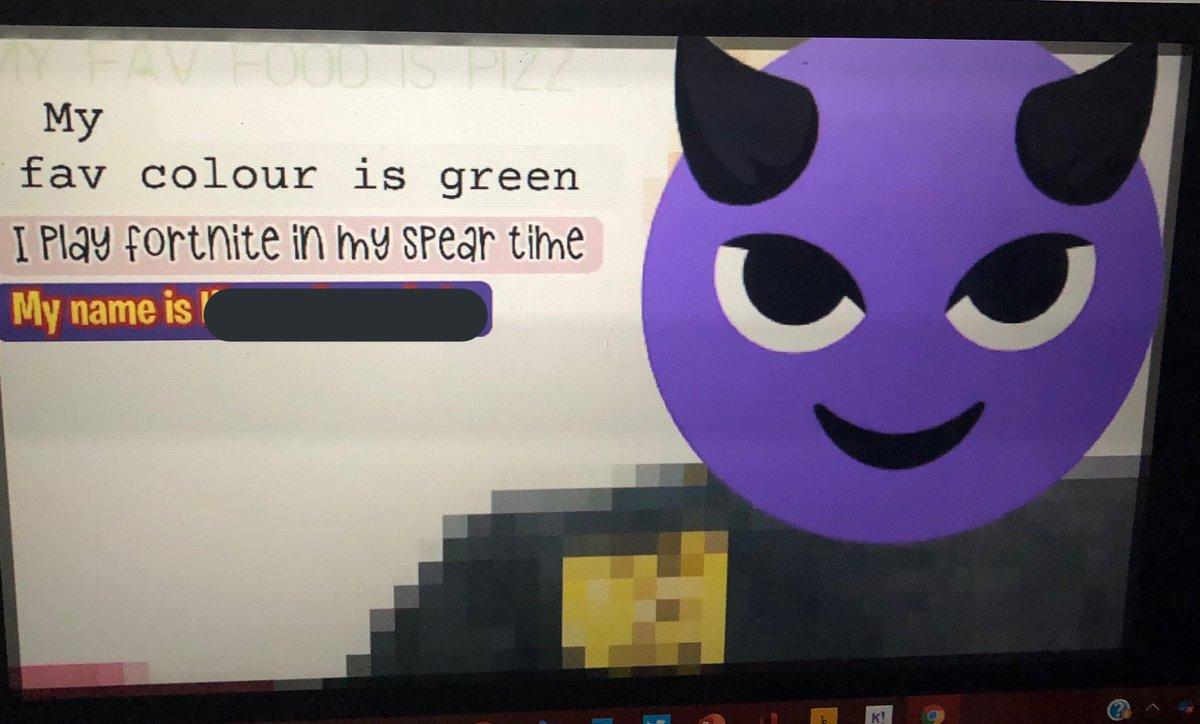
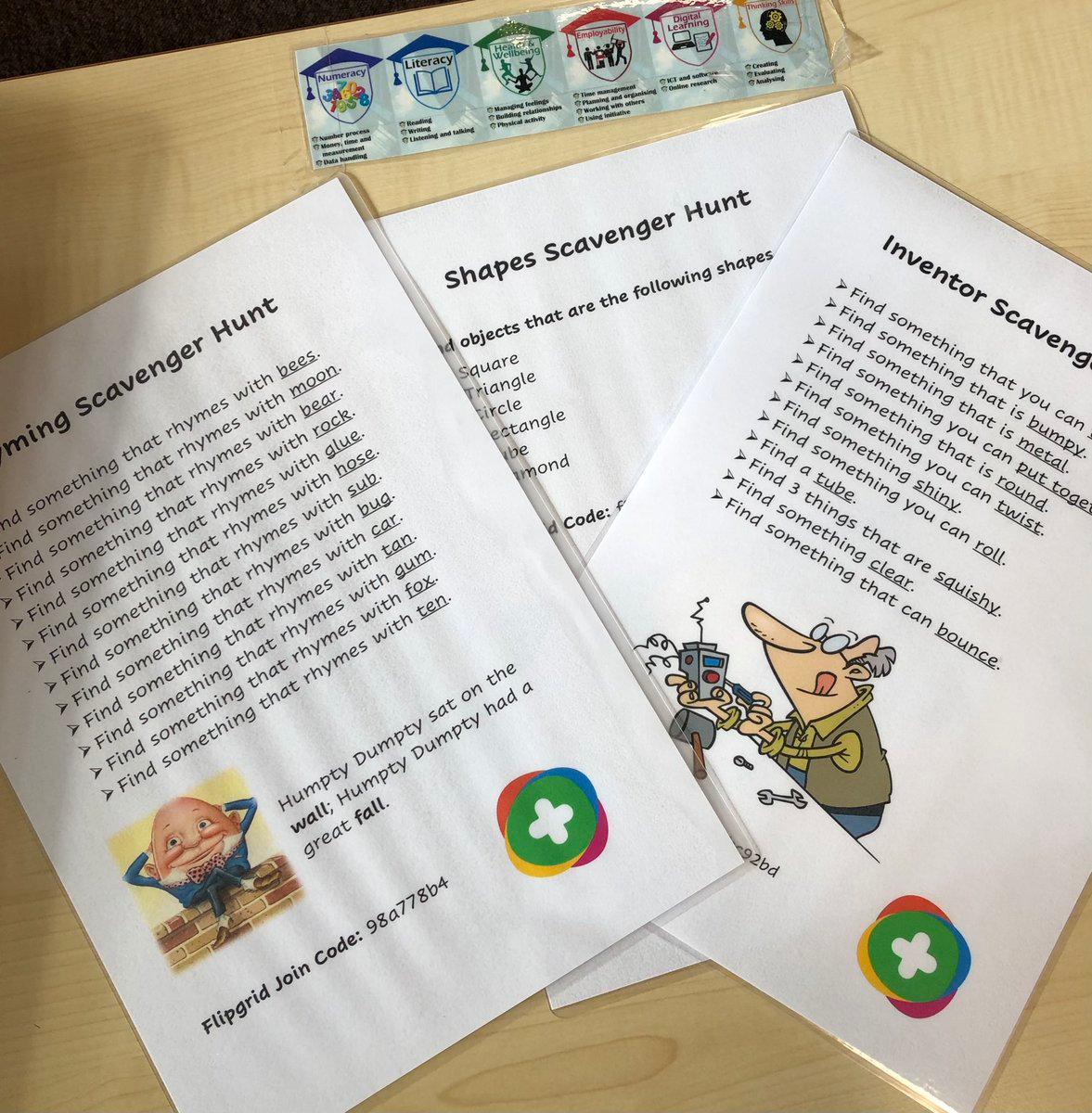

Space Topic Introducation
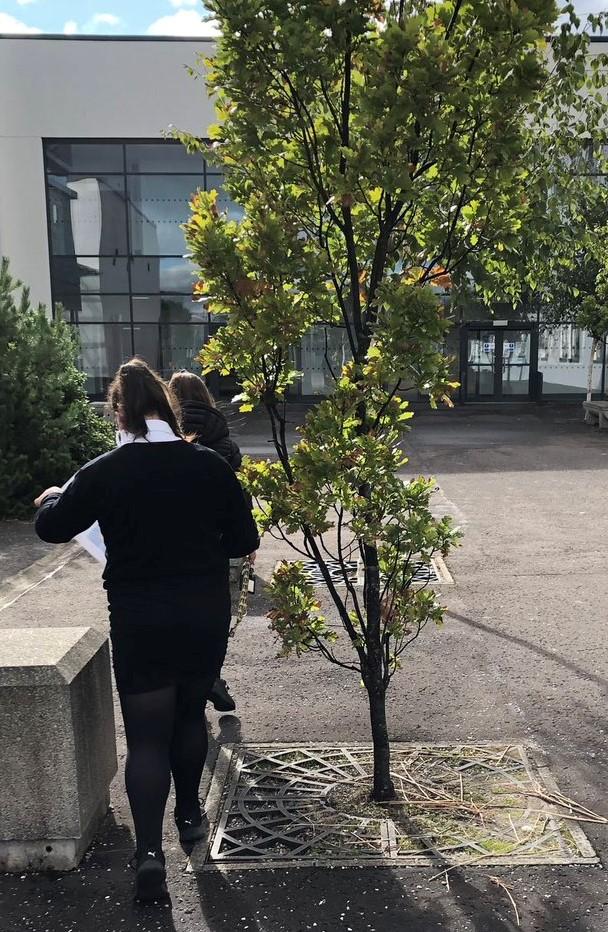
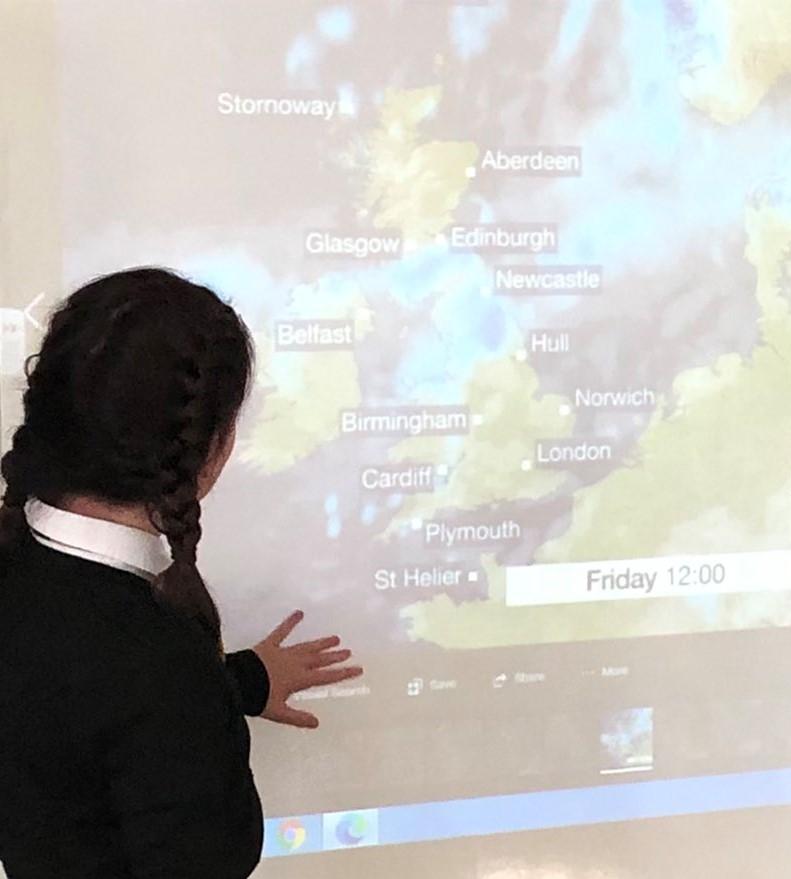
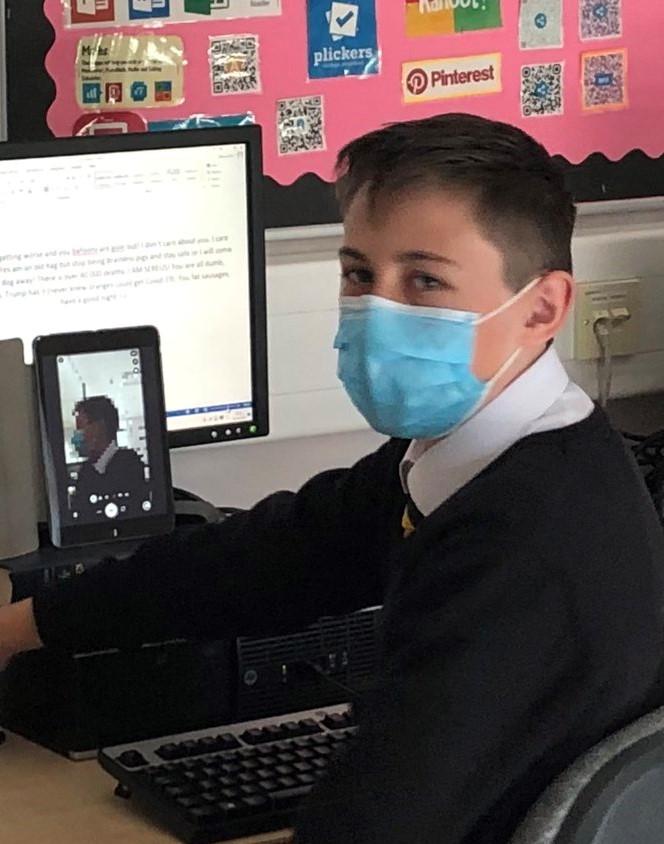
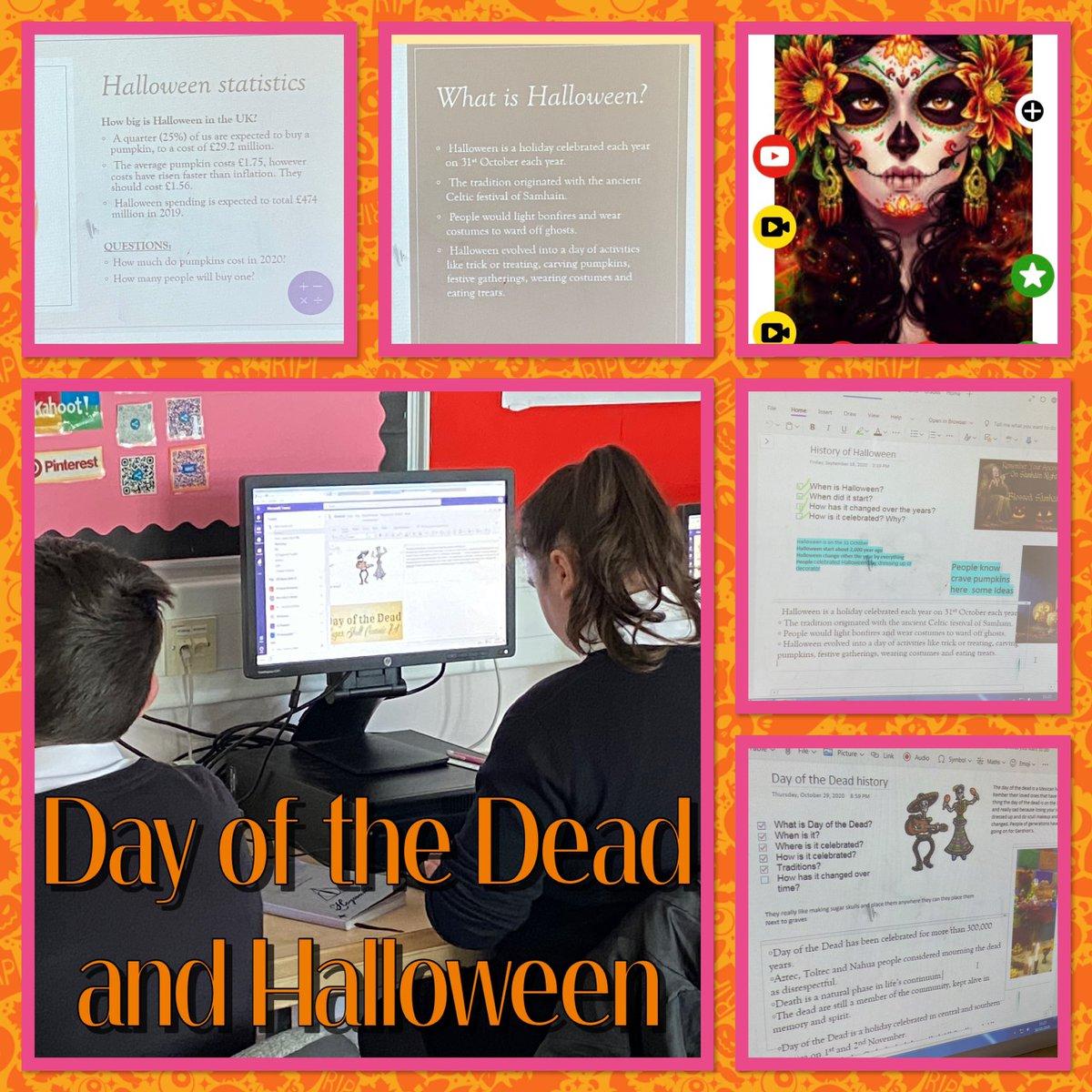
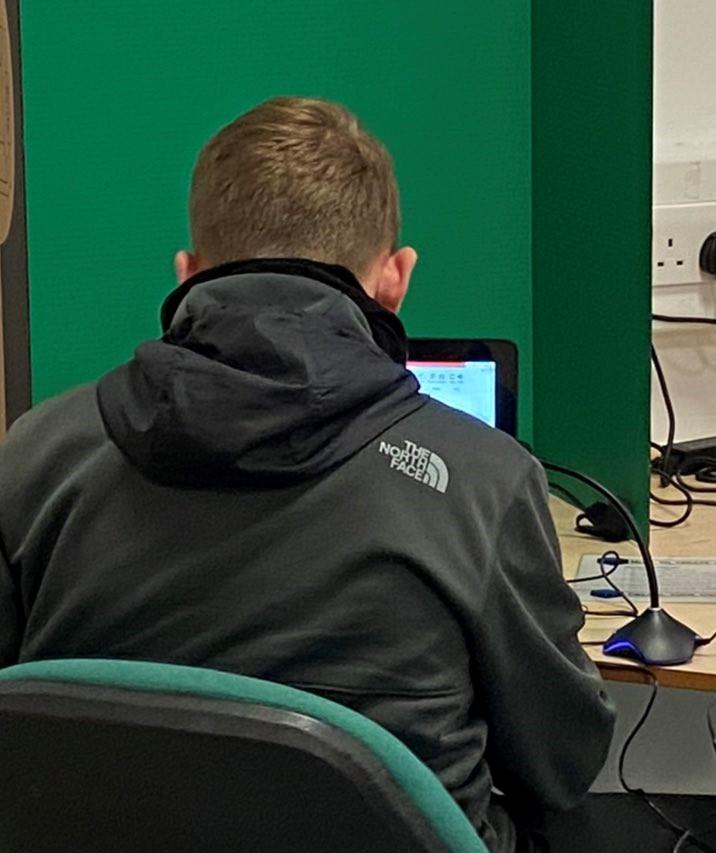
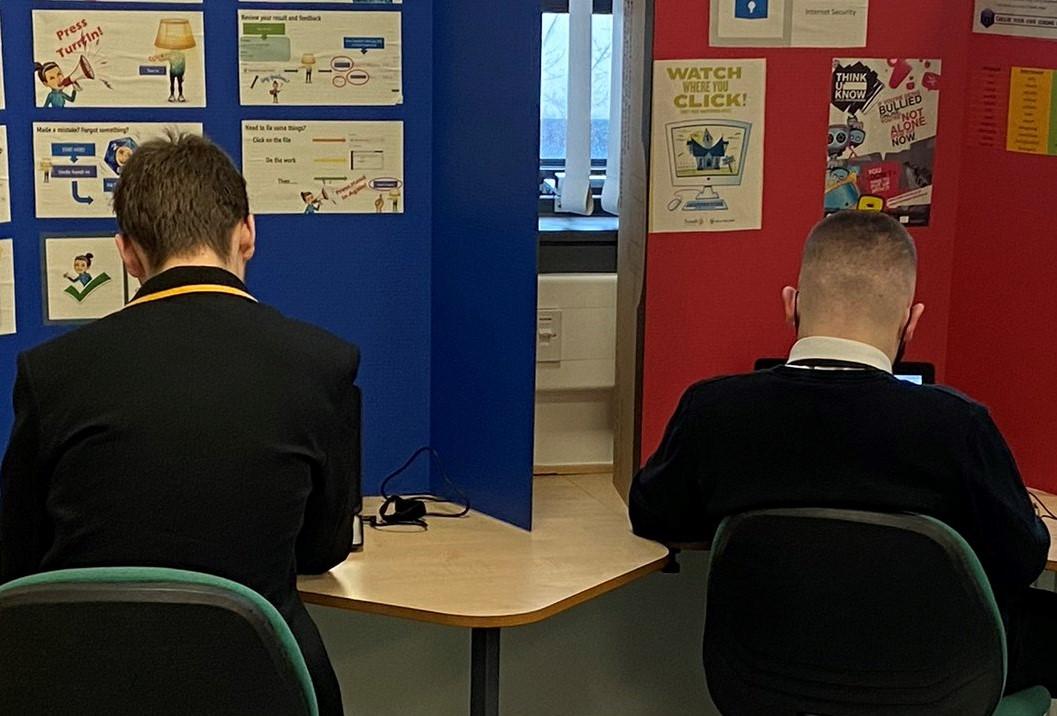
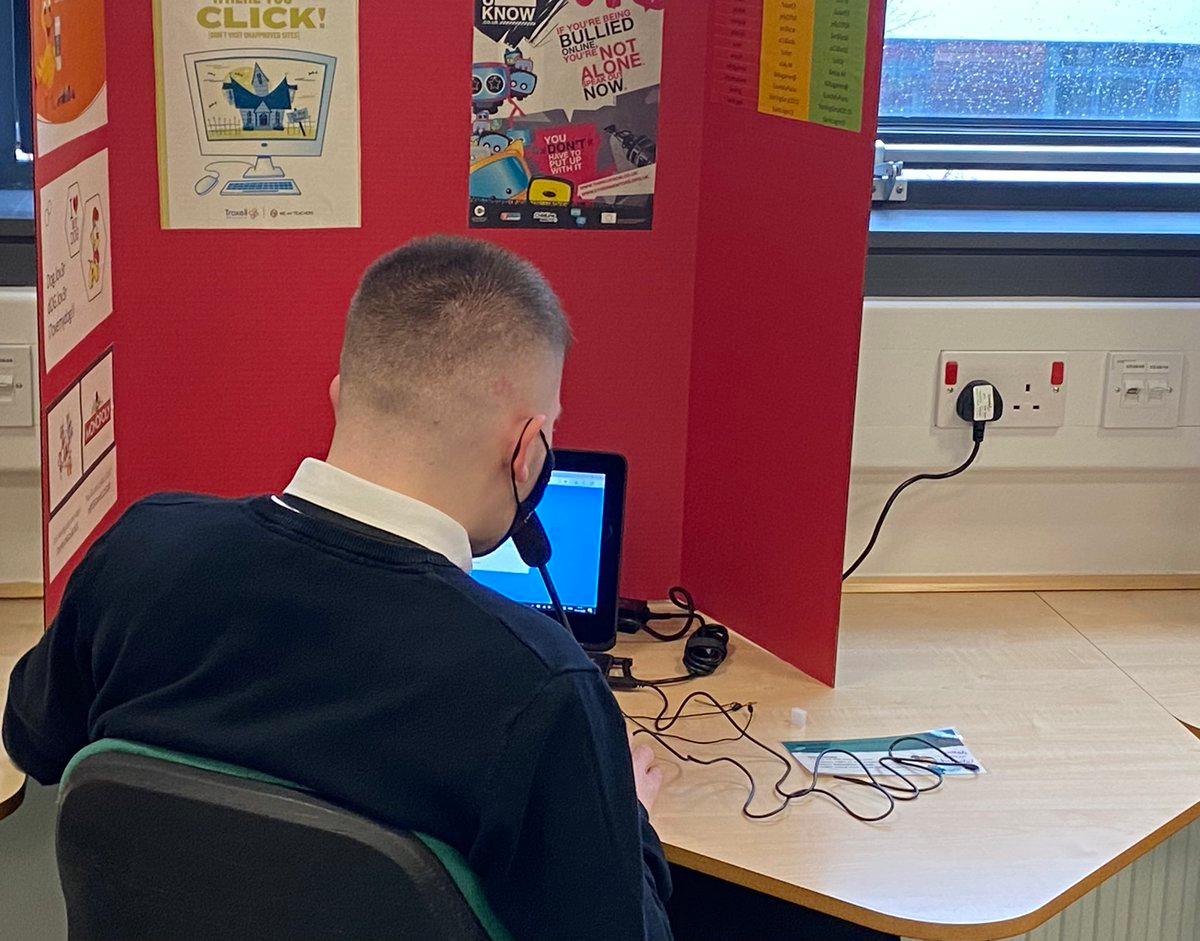
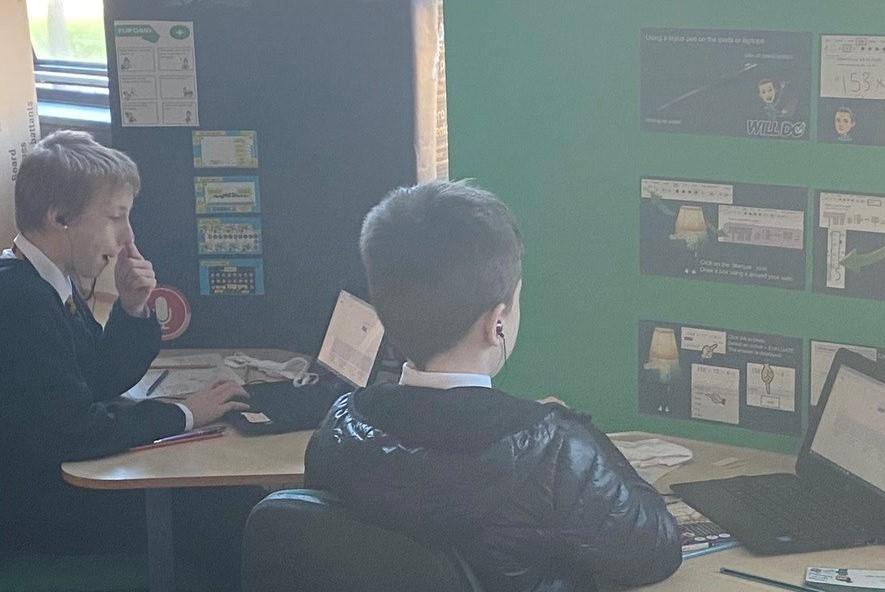
This term S1 have been researching space and applying our digital skills to our learning.